

For years, developers who wanted to connect FileMaker with WordPress have been stuck choosing between fragile custom scripts, expensive middleware, or rigid plugins that only solve one narrow use case. At RGC Data, we kept running into the same problem on client projects: FileMaker is powerful, WordPress is flexible, but the bridge between them was always brittle.
So we built our own solution – and eventually turned it into a full product.
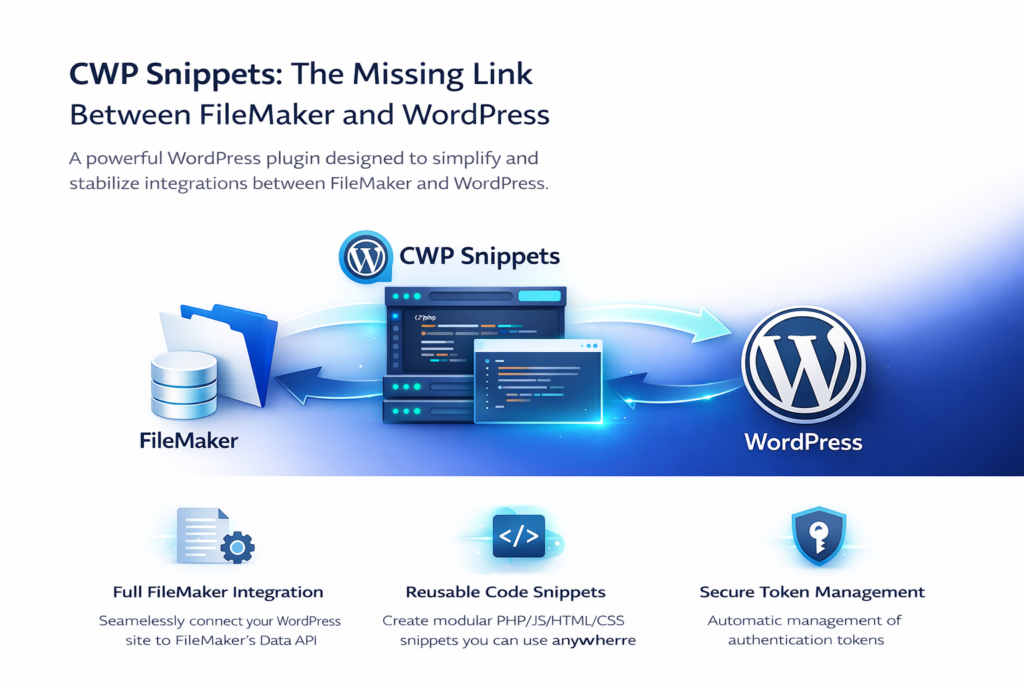
CWP Snippets is a WordPress plugin designed to make FileMaker integration simple, stable, and fully customizable. It gives developers and administrators the ability to run custom PHP, JavaScript, HTML, and CSS anywhere on a WordPress site – all while securely interacting with FileMaker through the Data API.
Whether you’re building a customer portal, syncing data, powering dynamic content, or creating a full web app with FileMaker as the backend, CWP Snippets gives you the tools to do it cleanly and efficiently.
What Problem Does CWP Snippets Solve?
Most FileMaker ↔ WordPress integrations fall apart for one of three reasons:
- Token management is a nightmare FileMaker’s Data API requires session tokens that expire frequently. If you don’t handle them correctly, your integration breaks.
- Custom code is scattered everywhere Developers end up stuffing PHP into theme files, JavaScript into random templates, and CSS into multiple places.
- There’s no clean way to reuse logic Every page ends up with its own copy‑pasted code, making maintenance painful.
CWP Snippets solves all three.
Key Features (Explained Simply)
1. Full FileMaker Data API Integration
CWP Snippets includes a built‑in class (fmCWP.php) that handles:
- authentication
- token retrieval
- token reuse
- automatic reauthentication when tokens expire
This means your WordPress site stays connected to FileMaker without you ever worrying about session failures.
2. Custom Code Snippet Management
Inside WordPress, you can create reusable snippets of:
- PHP
- JavaScript
- HTML
- CSS
These snippets can be inserted anywhere using shortcodes.
This gives you a clean, modular way to build dynamic features without touching theme files.
3. Dynamic Shortcode Execution
Every snippet can be dropped into:
- pages
- posts
- templates
- Elementor sections
- custom post types
This makes it incredibly easy to build FileMaker‑powered components like:
- customer dashboards
- order lookups
- inventory displays
- form handlers
- API‑driven widgets
All without writing the same code twice.
4. Built‑In Code Editor with Validation
CWP Snippets includes a CodeMirror editor with:
- syntax highlighting
- error detection
- uniqueness checks
This keeps your code clean and prevents accidental conflicts. We included a free integration of the NiKiC PHP Parsing library, to run syntax and security checks before saving and potentially damaging your site. Errors will be flagged, and snippets disabled before creating fatal errors that can bring an entire site down – saving you time and headaches – and keeping your customers happy.
5. Predefined Templates & Samples
The plugin includes starter templates to help you:
- connect to FileMaker
- run queries
- grab and display your own data
- create contact forms, invoices, customer portals, e-commerce stores and more!
- loop through results
- output dynamic HTML
This makes onboarding fast even for developers new to FileMaker’s API and the WordPress platform.
6. Admin Controls & Secure Previewing
Admins can:
- manage database credentials
- toggle snippet functionality
- preview snippet output safely
This keeps your environment secure while still giving developers flexibility.
Why CWP Snippets Is Different
Most plugins try to “do everything for you.” CWP Snippets does something better:
It gives you a clean, stable foundation (with examples and guidance) to build and power your own integrations.
You get:
- a reliable FileMaker API layer
- a modular snippet system
- reusable shortcodes
- global JS/CSS/PHP support
- a clean admin interface
- no theme hacking
- no fragile custom scripts
It’s the perfect balance between power and flexibility.
Real‑World Use Cases
Here are examples of what developers build with CWP Snippets:
Customer Portals
Display FileMaker records inside WordPress with secure authentication.
E-Commerce
We have built and powered multiple lightweight WooCommerce-inspired e-commerce platforms that run entirely on CWPSnippets and FileMaker – handling data synchronization autonomously and safely.
Inventory or Order Dashboards
Pull live data from FileMaker and render it in tables, cards, or charts.
Native Mobile App Backends
Cross platform is possible! We used WordPress + CWP Snippets as a middle layer for React‑based Native Android/iOS apps. Claris may only develop for the Mac platform, but we decided to push the limits a bit and created android friendly native APK apps powered by FileMaker!
Custom API Endpoints
Expose FileMaker data to other systems through WordPress routes.
Dynamic Content Blocks
Insert FileMaker‑powered widgets anywhere on the site.
If you can write it in PHP/JS/CSS , you can build it with CWP Snippets.
Behind the Scenes: Token Management Done Right
One of the biggest headaches in FileMaker development is token expiration. CWP Snippets handles this automatically:
- retrieves a fresh token
- stores it
- reuses it until expiration
- silently reauthenticates when needed
This alone eliminates dozens of hours of debugging for most developers.
Who Is CWP Snippets For?
- FileMaker developers who want to extend their solutions to the web
- WordPress developers who need dynamic, database‑driven content
- Agencies building portals, dashboards, or custom apps
- Businesses that want FileMaker to power their website or mobile app
- Anyone who needs a clean, modular way to run custom code in WordPress
If you work with FileMaker and WordPress, this plugin is the missing piece.
Final Thoughts
CWP Snippets isn’t just a plugin — it’s a development framework that bridges two ecosystems that were never designed to talk to each other. By combining a robust FileMaker API layer with a flexible snippet system, it gives developers the freedom to build anything from simple dynamic content to full‑scale applications.
If you’re ready to bring your FileMaker data into WordPress — or build a modern web or mobile experience powered by FileMaker — CWP Snippets is the cleanest, most reliable way to do it.
Check out our flagship product, CWP Snippets at the CWPSnippets.com website.