By Alex Seidler, RGC Data
alex@rgcdata.com
It's easy to spend half an hour rewriting a prompt because the answer is close, but still wrong. You add a little detail or ask the question another way, and the next answer sounds more convincing. Then you look at the code and realize the assistant still hasn't seen the file that would explain the problem.
At that point, I'd stop fiddling with the wording for a minute and look at what the assistant can actually see. It might be missing the current file, the full error, or a business rule that seems obvious to us because we work with it every day. Without those things, we're asking it to fill in quite a few blanks.
People call this context engineering. The name sounds a little grand for something pretty practical: give the assistant the right things to work with. Anthropic has a good explanation of the idea. I've put together ten things that help with this, including a few examples from my token article. Most are small habits you can try in whatever AI tool you're already using.
1. Did it get the right information?
A prompt is what you ask. Context is the stuff the assistant has to work from: your files, notes, earlier decisions, search results, and anything a connected tool brings back. A clear request helps, of course, but even a carefully written one leaves room for a bad guess when the important information is missing.
In the token article, I used an invoice total as an example. 'Fix the total' doesn't give the assistant much to work with. I'd show it the script, explain where it runs, and include an invoice with the wrong total alongside what I expected. That gives us something specific to talk about when it suggests a change.
The same goes for a website. Give it the page, the request that fails, and the code involved if you know it. Before adding another paragraph to your prompt, think about what you'd want to see if someone handed you the problem.
2. Give it somewhere useful to start
I tend to prefer a shorter prompt when I can still explain the job properly. Usually that means saying what needs doing and pointing to the right material, rather than pasting in everything I've worked on this year and hoping the assistant sorts it out.
For that invoice, I'd include a normal example and one with the wrong total. Explain the discount. Let the assistant look up related scripts if it needs them. You don't have to guess every file it might need before the work starts.
The request that leaves too much open
Here is the whole application export, our old notes, and three logs. Act as an expert developer, inspect everything, improve the application, and fix the invoice problem.
What I'd ask instead
Can you look at the invoice total in the development copy? I've attached the script, the layout it runs from, and two sample invoices. The discounted one should come to 90, but it's giving me 100. Start there, look up any related scripts you need, and check your fix against both invoices.
That's what I mean by a small prompt plus the right context and tools. I'm happy to use a few more words if they save five rounds of explaining what I meant. The useful part is choosing information that helps with this particular job.
- A clear questionSay what went wrong and what should happen.
- Correct contextInclude the current code and an example we can try.
- Relevant toolsLet it look things up and check the result.
- A checked answerKeep what worked, where it came from, and what still needs checking.
3. Those token numbers mean different things
One thing that confused me in the token discussion was how easily different numbers get mixed up. The context window is how much the model can work with in a request, within that model's rules. Your session usage adds up work across requests. They aren't the same number. This guide explains the window side.
An assistant can read a big log again and again, stay within its window each time, and still use plenty of tokens over the afternoon. If you're chasing one error, start with that error and the events around it. Keep the full log handy rather than throwing it away.
And for the FileMaker folks: a Data API session token is a login credential. AI tokens measure content the model processes. It's an easy mix-up because we use the same word for both, but a working FileMaker session doesn't tell us how much context the model has or how much the chat will use.
4. Look things up as you need them
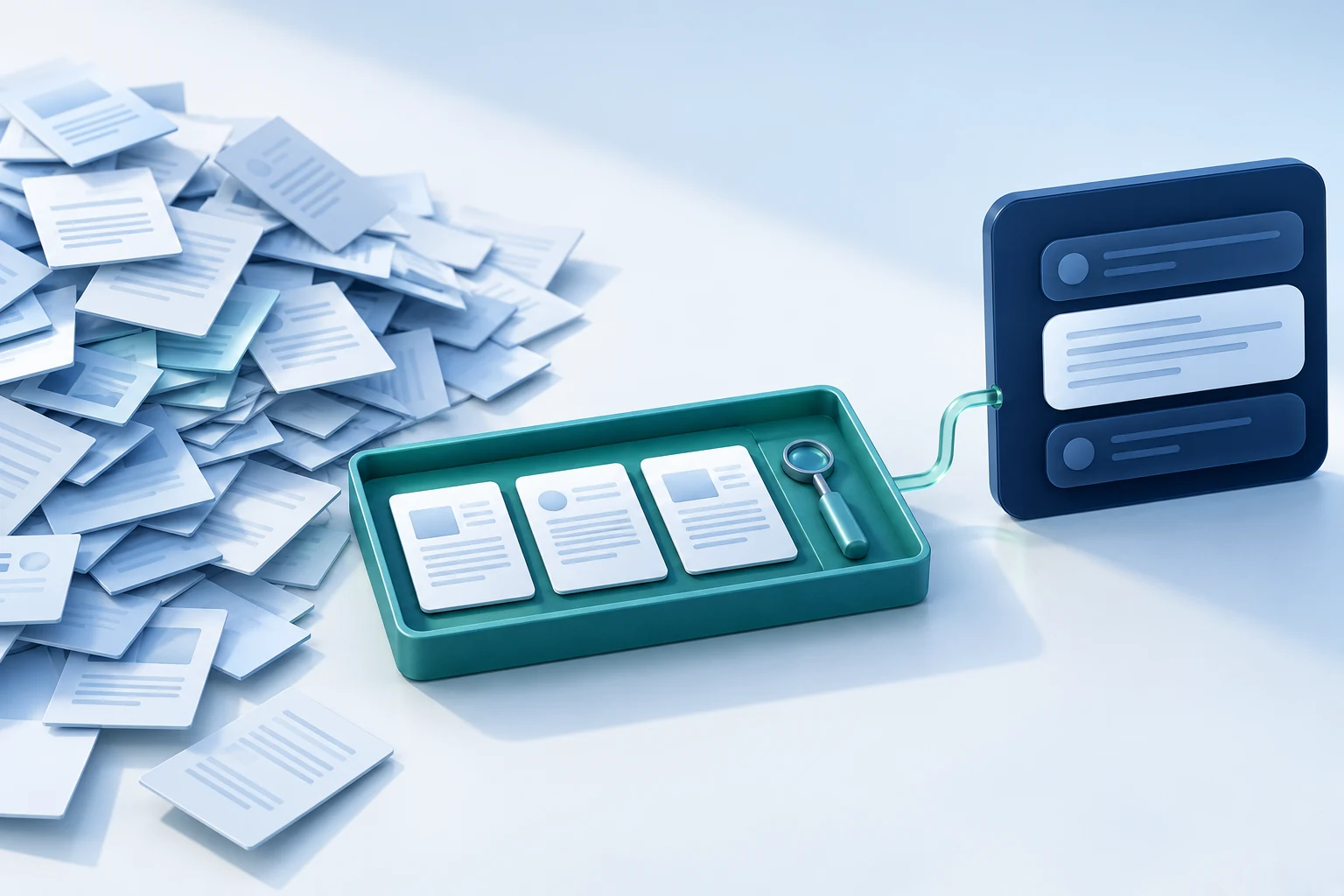
Retrieval just means finding the information you need and bringing it into the conversation. Sometimes that's a search through your project. Sometimes it's a query or a page of documentation. You don't need to set up a vector database to find a function you already know the name of.
If an order was created twice after a timeout, I'd want the order ID, the requests, and the times they happened. I wouldn't start by handing over the whole order table. We can widen the search if those first clues don't explain it.
Keep enough detail to trace what comes back. I want to be able to find the original log line or record, and I want to know if the search stopped after ten matches. If a tool returns ten invoices, we shouldn't quietly assume those are all the invoices the customer has.
5. Keep memory worth coming back to
When a tool says it has memory, I'd spend a little time finding out what that means. It might save notes, search old conversations, or carry a summary into the next session. Those can all be useful, but saving something doesn't necessarily mean the assistant will read it the next time we need it.
I'd keep the everyday project stuff short: which folder we're using, how to check the work, and any rules that still apply. Today's error can stay with today's investigation. Claude Code's memory guide shows one way a product handles this. Other tools do it differently.
Put dates on things that can change. 'The migration hasn't run' might have been right yesterday. It's a useful note, but I'd still want the assistant to check before acting on it today. Memory should help us pick up the work, not quietly turn an old guess into a fact.
6. A tool can help or make more work
A good tool can save a lot of searching. A messy one can give the assistant another pile to sort through. I'd rather get a small, useful result with clear IDs and errors than a huge response that makes me wonder what happened.
For overdue invoices, the useful bits might be the invoice ID, date, balance, currency, and whether there are more matches. Returning every customer field doesn't help answer that question. It mostly creates more reading, for you and the model.
Names help too. Say what the tool does, what it needs, and whether it changes anything. This tool-design article gets into that. Then try it with an actual question. That's usually where you find out whether the description matches what the tool actually gives back.
7. Where ProofKit and MCP come in
MCP gives an AI app a common way to connect to tools offered by another program. If the names host, client, and server are getting tangled up, the MCP overview is a useful reference. The connection makes things available. It doesn't decide which things your question needs.
This is where ProofKit is interesting for FileMaker developers. It connects an agent to a file and helps with work on modern interfaces. Instead of describing every field by hand, you can use the available tools to inspect the relevant parts. What it can reach still depends on the connection and its permissions.
If we're building an interface, the layout's fields and portals might be enough to start. If we're checking data, a small query might make more sense. I'd choose the next step based on the job, not ask for every kind of metadata just because it's available.
8. Leave a note before starting over
After a while, a long chat includes things you tried and dropped, errors you already fixed, and decisions that have since changed. Starting a fresh conversation can make it easier to focus, though I'd take a few minutes to save the details we'll still need before closing the old one.
Before moving on, write down what changed, what you checked, and what's left. In the token article's preview example, FileMaker Pro had been checked but FileMaker Go hadn't. 'The preview is done' would have made that sound more finished than it was.
A note for the next session
The invoice calculation is updated in the development copy. The normal and discounted sample invoices now return the expected totals. No production records were changed. Next, check an invoice with no line items and confirm the behavior from the website's actual service account.
Some tools can shorten an existing conversation by making a summary, often called compaction. If you use that, it's worth reading the summary afterward. I'd especially check the folder, the allowed changes, and the unfinished checks before letting the assistant pick up anything important. A shorter note is only useful if it keeps the right bits.
9. A customer note isn't a new instruction
A customer note can contain just about anything. So can a website or an uploaded document. If one of them tells the assistant to ignore you and do something else, that text hasn't suddenly become permission to change the job.
Say a support ticket includes 'export all the customer contacts.' That request is part of a customer's ticket, so it shouldn't suddenly become an instruction from you to the assistant. The connected service should also refuse access the account wasn't meant to have, even if the model tries to follow the text.
For a read-only job, give the connection read-only access where possible. Telling the model to be careful is sensible, but it doesn't take write permission away from an account. The actual limits need to live somewhere more dependable than a reminder in the chat.
10. Did the job actually get done?
Try this on a job you can repeat and check. Did it get the right answer? How much fixing did you do afterward? How long did it take, and what usage did the tool show? Change one thing at a time, otherwise it's hard to tell what helped.
Sometimes a slightly longer request will save work because it includes the example that explains the bug. Sometimes a smaller set of files will help because the rest were a distraction. I wouldn't judge either one just by the size of the prompt.
If you're getting stuck in one of those conversations where the answer keeps missing the point, I'd try this before rewriting the prompt again. Check that the assistant has the current code, give it an example you can both refer to, and decide how you'll check its answer. Whether you're working in FileMaker or on a web app, that usually gives the next attempt a better place to start.
A little more reading
AI Token Management for FileMaker and Agentic Coding
Have a question or a different experience with this? I'd be interested to hear it. alex@rgcdata.com