
What changes when an attacker no longer has to choose one server, one login, or one technique at a time?
That is the practical concern behind a new warning from Claris. Internet-facing FileMaker Server deployments are being discovered and tested by AI-driven attack activity. The pattern described by Claris is straightforward: find a server on port 443, identify hosted files through the Data API, try common passwords, and check whether Guest access is available.
The most important point should come first: Claris is not describing a newly discovered security flaw in FileMaker. The increase in activity is being driven by attackers using AI and automation to perform familiar reconnaissance and credential attacks faster, more consistently, and at a much larger scale.
That distinction is reassuring, but it is not a reason to wait. A secure FileMaker deployment already has the controls needed to resist this activity. An older deployment with unnecessary public services, weak or reused credentials, permissive accounts, or an integration nobody fully understands may be giving automated attackers more opportunities than it should.
The threat is not that AI has found a secret door into FileMaker. The threat is that attackers can test every door you have left visible, around the clock, at very low cost.
What Claris says attackers are doing
In its October 29 security briefing, Claris says AI-driven attacks are targeting FileMaker Server deployments that face the internet. The described sequence is not exotic:
- Discover a FileMaker Server reachable over HTTPS.
- Ask the FileMaker Data API for information about hosted files.
- Try commonly used passwords across exposed accounts and files.
- Check whether Guest or automatic login provides access without a password.
This is a combination of reconnaissance and password spraying. Password spraying differs from a traditional brute-force attack because it may try a small number of likely passwords across many accounts or targets. That approach can be quieter than repeatedly attacking one account, and automation makes it easy to repeat.
Claris is equally direct about the underlying issue: this is not a flaw in the platform. The successful path depends on weak configuration or loose data hygiene. That includes choices such as leaving Guest access active, exposing services that are not needed, using guessable or reused passwords, or allowing one broadly privileged account to serve multiple integrations.
What AI changes—and what it does not
AI does not make authentication irrelevant. It does not bypass a strong password, invent a missing privilege, or turn a disabled endpoint back on.
What AI changes is the economics of an attack.
Reconnaissance becomes cheaper
An attacker can scan more hosts, interpret more responses, and organize more information with less manual effort. A public endpoint that once attracted occasional attention can now be evaluated repeatedly as part of a much larger automated campaign.
The attack can adapt more quickly
Automation can classify responses and choose the next test. If one endpoint reveals a database name, the process can incorporate that information. If a login fails, it can move to another account, file, or service without waiting for a person.
Small weaknesses become easier to combine
A visible file name is not a breach. An old integration account is not automatically a breach. A permissive privilege set may not be reachable by itself. But when several small weaknesses are present at the same time, automated tooling can connect them faster than a human attacker working one target at a time.
Strong controls still work
The fundamentals remain effective: disable Guest access, require strong unique credentials, restrict privileges, expose only the services you need, keep FileMaker Server and its supporting stack updated, and monitor for unusual authentication activity.
Start with an exposure inventory
Before changing architecture, identify what the server actually presents to the internet. A FileMaker deployment may include several distinct surfaces:
- FileMaker Pro and FileMaker Go client access
- FileMaker WebDirect
- FileMaker Data API
- FileMaker OData API
- Admin Console and Admin API
- ODBC or JDBC access
- Legacy PHP or XML custom web publishing
- A separate website, mobile app, middleware service, or scheduled integration using one of those interfaces
Not every enabled service is a mistake. The problem is enabling a service without a current business reason, a defined owner, an appropriate privilege set, and a plan for monitoring and maintenance.
For each public interface, document who uses it, which account it uses, which files and records it can reach, whether the credentials are shared, and what would break if the interface were disabled. If nobody can answer those questions, the uncertainty itself belongs on the risk list.
Seven actions FileMaker teams should take now
Modernization may require planning. These actions do not.
1. Disable Guest access and automatic login
Review every hosted file, not just the primary file users recognize. A related file with Guest access enabled may create a path nobody intended. Confirm that files do not open automatically with a saved low-security account.
Claris specifically identifies Guest access as a setting attackers are checking. If it is not required for a deliberate, documented workflow, turn it off.
2. Hide database names from unauthenticated discovery
Keep FileMaker Server's Filter databases in Client Application setting enabled. Claris notes that disabling this setting may expose database lists to unauthorized third parties. Current FileMaker Server releases can also require authentication for the Data API Database Names endpoint when database filtering and DenyGuestAndAutoLogin are both enabled.
Hiding names is not a substitute for authentication, but it removes unnecessary information from the public surface.
3. Replace weak, reused, and shared credentials
Every web integration should use its own dedicated account. That account should have the smallest privilege set that supports the required workflow. It should not use Full Access, and it should not share a password with a person, another website, or a different environment.
Rotating a credential is only useful if every copy is found. Check environment files, WordPress settings, server configuration, scheduled scripts, plug-in configuration, deployment systems, and old developer documentation.
4. Restrict administration to trusted networks
The Admin Console and Admin API should not be treated like public application interfaces. Restrict administrative access to a VPN, a trusted management network, or tightly controlled IP rules. Use a strong administrator credential that is not used for database access.
5. Disable services you do not use
If WebDirect is not part of the current solution, disable it. If no application uses OData, leave OData off. If an old XML or PHP publishing endpoint has been replaced, remove it rather than assuming nobody will find it.
Reducing attack surface is not about choosing one universally “safe” API. It is about presenting only the interfaces the system genuinely needs.
6. Patch the complete integration stack
Keep FileMaker Server on a supported maintenance release, and review the operating system, web server, PHP runtime, Java runtime, plug-ins, libraries, and application code around it. FileMaker Server release notes regularly include updated third-party components and security fixes.
An integration is only as maintainable as its oldest required dependency.
7. Review logs, alerts, and recovery
Look for bursts of failed authentication attempts, unfamiliar source addresses, unexpected file enumeration, and activity at unusual times. Preserve logs long enough to recognize a pattern. Confirm that encrypted, off-site backups exist and that someone has recently tested a restoration.
If you believe an attacker may have authenticated successfully, treat the situation as an incident: preserve evidence, isolate affected access, rotate credentials, review account and privilege changes, and involve an incident-response professional when appropriate.
Why older web integrations deserve special attention
An older integration can continue working for years after the reasons behind its design have been forgotten. That is often where risk accumulates.
We commonly find integrations that depend on an obsolete PHP version, legacy XML publishing, a shared account with broad access, credentials stored in web-accessible code, or a WebDirect deployment that was made public for a workflow no longer in use. None of those conditions means the system has been breached. They do mean the cost of understanding, patching, and safely changing the system has increased.
The right question is not simply, “Does the website still work?” It is:
- Can we identify every public FileMaker endpoint?
- Does each integration have a dedicated owner and account?
- Can we describe exactly what each privilege set permits?
- Are secrets stored only on the server side?
- Is every runtime and dependency still supported?
- Can we detect misuse and revoke access without disrupting unrelated systems?
If several answers are unclear, modernization is a security project as much as a development project.
Where OData can help
FileMaker's OData API provides an industry-standard REST interface for querying and updating hosted FileMaker data. For an appropriate project, it can replace a brittle legacy publishing layer with a more conventional boundary that is easier to document, test, and support.
OData can be a good fit when an integration is table-oriented, benefits from standard query semantics, and does not depend heavily on FileMaker layouts, portals, or scripts. The FileMaker Data API may remain the better choice for layout-based workflows, script execution, container handling, and other FileMaker-specific behavior.
The API choice does not create security by itself.
OData uses a FileMaker account and requires the fmodata extended privilege. It must be deliberately enabled, protected by HTTPS, limited through privilege sets, monitored, and placed behind an appropriate application or network boundary. If a browser-facing application needs FileMaker data, credentials should remain in a server-side service rather than being delivered to the browser.
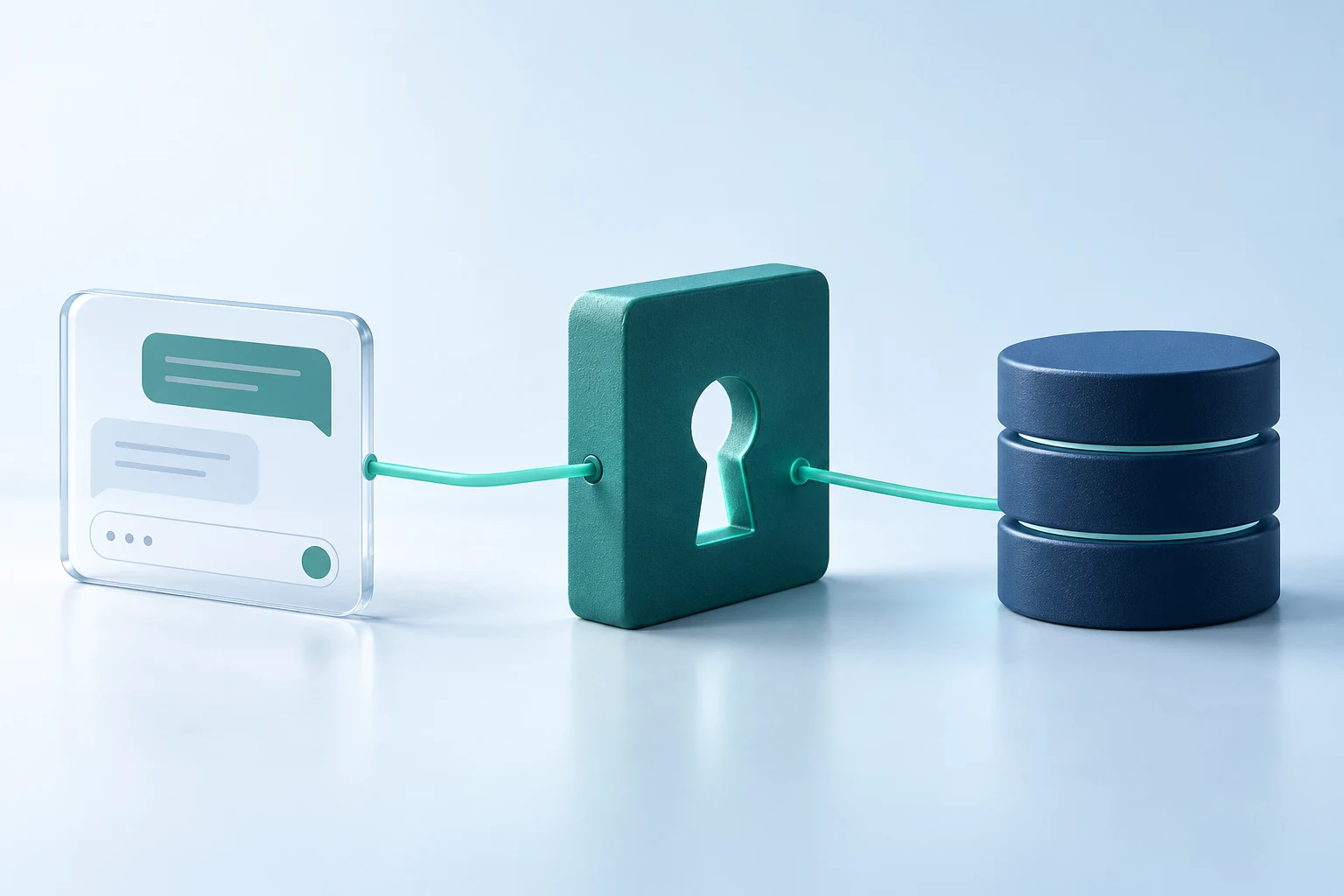
Modernization is not “turn on OData.” It is designing one controlled path between the public application and the specific FileMaker data and operations that application needs.
A practical modernization target
A maintainable FileMaker web integration usually has a few recognizable qualities:
- One documented server-side boundary owns FileMaker communication.
- Each application or environment has a unique low-privilege account.
- Browser code never receives FileMaker credentials.
- Requests are validated before they reach FileMaker.
- Responses expose only the fields the public application needs.
- Logs provide enough context to investigate failures without recording secrets.
- Rate controls and network restrictions are applied where appropriate.
- Connection settings, privileges, dependencies, and recovery procedures are documented.
- The team can disable or rotate one integration without breaking every other consumer.
That design can use the Data API, OData, or a carefully controlled combination of both. The goal is not novelty. The goal is a smaller, understandable, supportable attack surface.
The next 72 hours
If you manage an internet-facing FileMaker Server, start with a short, focused review:
Today: Check Guest access, automatic login, public database discovery, administrator exposure, and failed-login activity.
Within 24 hours: Inventory enabled services and integration accounts. Disable anything unused. Replace obvious weak or shared credentials.
Within 72 hours: Confirm the supported FileMaker Server version, review the surrounding web stack, test backups, and assign an owner to every public integration.
Then decide what needs a longer project. That may be a privilege redesign, a network change, a migration from legacy XML or PHP publishing, a WebDirect review, or a purpose-built API layer using the Data API or OData.
Know what is exposed. Keep only what you need.
RGC Data can help inventory a FileMaker deployment's public surface, review accounts and privilege sets, identify unsupported dependencies, and map a practical migration from an older web integration or WebDirect workflow to a maintained API-based solution.
We are not starting from the assumption that every existing system should be replaced. We start by learning what the solution does, which interfaces are necessary, where the risk actually sits, and which improvements will make the biggest difference.