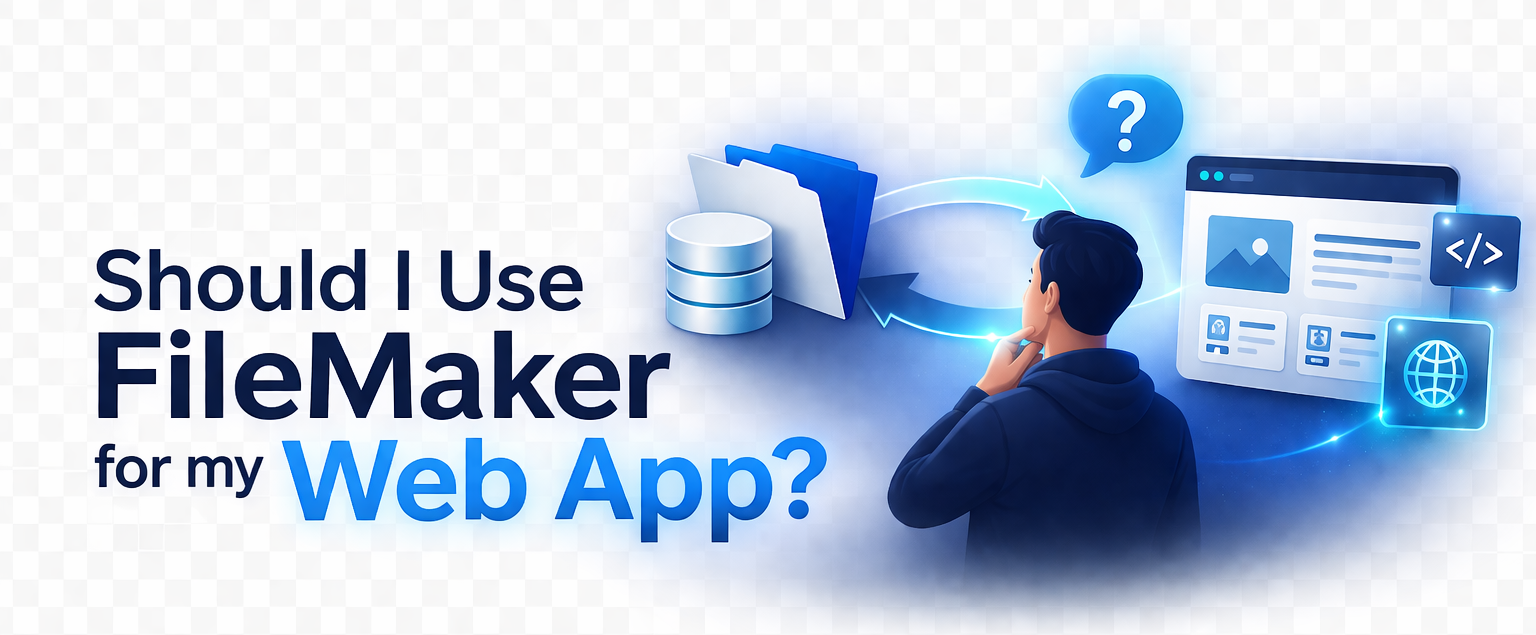
Choosing FileMaker as the backend for a modern web application can be one of the smartest decisions a team makes – or one of the most limiting. It all depends on the architecture, the traffic patterns, and what the web layer actually needs to do. Over the last five years, we’ve helped companies connect FileMaker to WordPress, PHP apps, React front-ends, and custom portals using the Data API, and we’ve seen both sides of the equation: when FileMaker is the perfect engine behind the scenes, and when it starts to strain under workloads it was never designed for.
The truth is simple: FileMaker can absolutely power a modern web experience, but only when you understand its strengths, its limits, and how the Data API fits into the bigger picture. In this article, we’ll break down what “using FileMaker as a backend” really means, when it’s the right choice, when it isn’t, and how hybrid architectures often deliver the best of both worlds.
If you’re exploring a FileMaker → Web integration or deciding how to structure your next project, we hope that this guide will give you a clear, honest framework to work from.
What “Using FileMaker as a Backend” Actually Means
What Does It Mean to Use FileMaker as a Backend?
When developers talk about a “backend”, they’re referring to the system that stores data, enforces business logic, and responds to requests from a web or mobile front‑end. In a typical web stack, this might be MySQL, PostgreSQL, or a custom API layer. In the FileMaker world, the backend is the FileMaker Server itself – complete with tables, relationships, scripts, and privilege sets.
FileMaker stores both data and logic in the same environment. That means validation rules, workflows, and calculations live right next to the records they operate on. When a web app needs to interact with that data, it does so through the FileMaker Data API, which exposes FileMaker tables and scripts over HTTPS using JSON in and JSON out.
This architecture works whether your front‑end is:
- WordPress
- PHP
- A custom web portal
- A React or Vue app
- A mobile app
- Anything that can send and receive JSON
The Data API becomes the bridge – the translator between the web layer and FileMaker’s internal logic.
The Three Ways Web Apps Typically Talk to FileMaker
1. Direct Data API Calls
The web app sends JSON requests straight to FileMaker Server.
This is the simplest approach and works well for low‑traffic, authenticated systems.
2. Custom PHP (or Node/Go) Middleware
A lightweight API layer sits between the web app and FileMaker.
This improves caching, security, and performance – and reduces Data API calls.
3. Syncing or Caching Data Externally
FileMaker remains the “source of truth,” but data is periodically synced to MySQL/Postgres for high‑traffic public sites.
This is ideal when scalability matters.
When FileMaker Makes an Excellent Backend
When FileMaker Is the Right Choice
FileMaker shines in specific scenarios — and when used correctly, it can outperform traditional stacks in speed, flexibility, and development time.
1. When You Need Rapid Development
FileMaker is unmatched when you need to build something quickly. Internal tools, dashboards, customer portals, and admin interfaces can be prototyped and deployed in days, not months. The web layer simply becomes a polished front‑end on top of a mature backend.
2. When Your Data Already Lives in FileMaker
If your business already runs on FileMaker, there’s no reason to migrate everything to a new database just to build a web app. You can leverage existing:
- tables
- relationships
- scripts
- privilege sets
The Data API lets you reuse the logic you’ve already invested in.
3. When You Need Tight Control Over Business Logic
FileMaker scripts are powerful. They handle validation, workflows, and automation in ways that are often faster to build and easier to maintain than custom code. In this model, the web app becomes a “thin layer” – a UI that simply triggers FileMaker logic behind the scenes.
4. When You Need Secure, Authenticated Access
FileMaker’s privilege sets and token‑based Data API authentication give you fine‑grained control over who can see what. This is ideal for:
- customer portals
- staff dashboards
- internal tools
- authenticated WordPress integrations
You get security without reinventing the wheel.
5. When You Want a Hybrid App (FM + Web)
This is the sweet spot for many small and mid‑sized businesses:
- Web front‑end for customers
- FileMaker for staff and internal workflows
The Data API ties the two worlds together, letting you modernize your user experience without replacing your entire system.
When FileMaker Is Not the Right Backend
When FileMaker Is the Right Choice
FileMaker is powerful, flexible, and fast to develop in – but it’s not a universal backend. There are scenarios where pushing FileMaker into a role it wasn’t designed for leads to performance issues, scaling problems, or unnecessary complexity. Here are the situations where FileMaker starts to show its limits.
- High‑Traffic Public Websites
FileMaker Server is not built for thousands of anonymous visitors hitting endpoints every minute. If your project involves:
– public product catalogs
– high‑volume search
– open APIs
– marketing sites with unpredictable traffic
…then FileMaker will struggle under load. The Data API has rate limits, and FileMaker’s concurrency model is designed for authenticated users, not mass traffic. - Real‑Time, High‑Volume APIs
If your web app needs to:
– process large data streams
– handle rapid‑fire requests
– support mobile apps with constant polling
– integrate with multiple external systems
…FileMaker becomes a bottleneck. In these cases, syncing data to MySQL/Postgres or using a middleware cache is the smarter move. - Complex Front‑End Apps Requiring Heavy Custom Logic
Modern front‑end frameworks (React, Vue, Next.js) often expect a backend that can:
– run background jobs
– handle queues
– process long‑running tasks
– support WebSockets or real‑time updates
FileMaker scripts aren’t designed for this.
You can still use FileMaker as the data source, but the logic layer should live elsewhere. - When You Need Horizontal Scaling
FileMaker Server is powerful, but it’s a single‑server architecture.
If your project requires:
– load balancing
– distributed processing
– multi‑region redundancy
…FileMaker can’t scale horizontally the way cloud‑native databases can. - When You Need Long‑Running Background Jobs
FileMaker scripts time out.
They’re not ideal for:
– queue workers
– cron‑style jobs
– heavy data transformations
– large imports/exports
A lightweight PHP/Node OR Go backend is better suited for these tasks, with FileMaker acting as the authoritative data store.
The Hybrid Approach (The Sweet Spot for Most Teams)
The Best of Both Worlds: FileMaker + Web Middleware
For many organizations, the ideal solution isn’t “FileMaker only” or “Web only” – it’s a hybrid architecture that uses each system for what it does best.
In this model:
- FileMaker handles data, business logic, validation, and internal workflows
- A lightweight middleware layer (PHP, Node, Go (stay tuned for further articles as we explore Golang and FileMaker opportunities in future articles!), Laravel, etc.) handles caching, routing, and performance
- The web front‑end (WordPress, custom PHP, React, etc.) becomes fast, modern, and scalable
This approach gives you the flexibility of a modern web stack without abandoning the power of FileMaker.
Why This Works So Well
- Improved performance: middleware can cache responses and reduce Data API calls
- Better security: FileMaker is never exposed directly to the public
- Cleaner architecture: the web app talks to a simple API, not directly to FileMaker
- Scalability: the middleware can scale even if FileMaker can’t
- Modern UI freedom: React, Vue, WordPress, or anything else can sit on top
Real Example
We’ve built several systems where FileMaker remains the operational core, while WordPress or a custom PHP layer handles the customer‑facing experience. If you want to see a practical example of this approach, check out our first article on connecting FileMaker to WordPress using our CWP Snippets WordPress Plugin..
How to Decide Which Approach You Need
A Simple Decision Framework
If you’re unsure whether FileMaker should be your backend, here’s a quick way to evaluate your project:
- Do you have fewer than 50 authenticated users? FileMaker backend is usually perfect.
- Do you expect large amounts of public traffic? Use a hybrid or external database.
- Do you need to build something quickly? FileMaker wins every time. RAD is wonderful, and extremely customer friendly. The built-in security also is worth its weight in gold, an often overlooked feature.
- Do you need long‑term scalability or distributed architecture? Use middleware or sync to SQL.
- Do you want to keep your existing FileMaker logic? FileMaker backend is ideal.
- Do you need a modern, highly interactive UI? Hybrid architecture is the sweet spot.
This framework helps teams avoid over‑engineering while still planning for growth.
Best Practices for FileMaker as a Backend
Best Practices for a Stable FileMaker‑Powered Web App
If you decide to use FileMaker as your backend – or as part of a hybrid stack – these practices will keep your system fast, stable, and maintainable.
1. Cache Aggressively
Don’t hit the Data API for every request. Cache results in your middleware or WordPress layer.
2. Minimize Data API Calls
Batch operations when possible. Avoid looping calls from the web side.
Pro Tip: Be extremely careful with streaming large numbers of image URLs directly from FileMaker. Through a lot of trial and error, we’ve learned that FileMaker simply isn’t designed to act as a CDN. When you try to serve dozens or hundreds of container‑stored images on a live website, you’ll start seeing intermittent failures – some images load, others don’t, and the result is a broken‑looking page. A far more reliable approach is to sync your FileMaker records to your website and upload the images during that process. Generate predictable URL slugs, store the images locally on the site, and keep them synced with your database. You get consistent performance, stable URLs, and a front‑end that doesn’t depend on FileMaker to stream media in real time.
3. Use JSON Consistently
Define a standard JSON structure for requests and responses. This makes debugging and scaling easier.
4. Use Middleware for Heavy Logic
Let FileMaker handle business rules, not heavy computation. Offload expensive tasks to PHP/Node/Go.
5. Use Privilege Sets Correctly
Never expose full‑access accounts to the web. Create dedicated API privilege sets with strict permissions.
6. Log Errors on the Web Side
FileMaker’s logs are helpful, but your middleware should log:
- failed API calls
- malformed JSON
- authentication issues
- rate limit errors
7. Avoid Exposing FileMaker Directly
Always put a layer between FileMaker and the public internet. This improves security and performance.
- Do you have fewer than 50 authenticated users? FileMaker backend is usually perfect.
- Do you expect large amounts of public traffic? Use a hybrid or external database. MySQL is a gold standard for this exact reason. Running FileMaker as backend for WordPress, especially, will utilize a hybrid combination of MySQL for close actions, while communicating with FileMaker.
- Do you need to build something quickly? FileMaker wins every time. RAD is wonderful, and extremely customer friendly. The built-in security also is worth its weight in gold, an often overlooked feature.
- Do you need long‑term scalability or distributed architecture? Use middleware or sync to SQL.
- Do you want to keep your existing FileMaker logic? FileMaker backend is ideal.
- Do you need a modern, highly interactive UI? Hybrid architecture is the sweet spot.
This framework helps teams avoid over‑engineering while still planning for growth.
In Conclusion...
FileMaker can absolutely serve as the backend for a modern web application – but only when used in the right context. It excels when you need rapid development, strong business logic, and tight control over authenticated workflows. It struggles when pushed into high‑traffic, public‑facing roles or when used as a real‑time API engine.
For most teams, the best solution is a hybrid approach: FileMaker for data and logic, and a lightweight web layer for performance, scalability, and modern UI. This gives you the speed of FileMaker with the flexibility of the web – without forcing you to rebuild your entire system.
If you’re planning a FileMaker ↔ Web project (or need custom FileMaker development work in general), and want help choosing the right architecture, we work with these integrations every day and can help you design a solution that fits your needs. Shoot us a message, and let’s talk!
If you’re exploring FileMaker → WordPress integration and want a ready‑made way to connect the two, our flagship product CWP Snippets provides a flexible, developer‑friendly bridge built on the FileMaker Data API. You can learn more at CWPSnippets.com.