
By Alex Seidler, RGC Data
We’ve talked quite a bit about CWP Snippets and restCWP. ODataCWP hasn’t had the same introduction, so I’d like to give it some room here. If you’re building something outside WordPress and want to use FileMaker’s OData API, this is the client we built for that work.
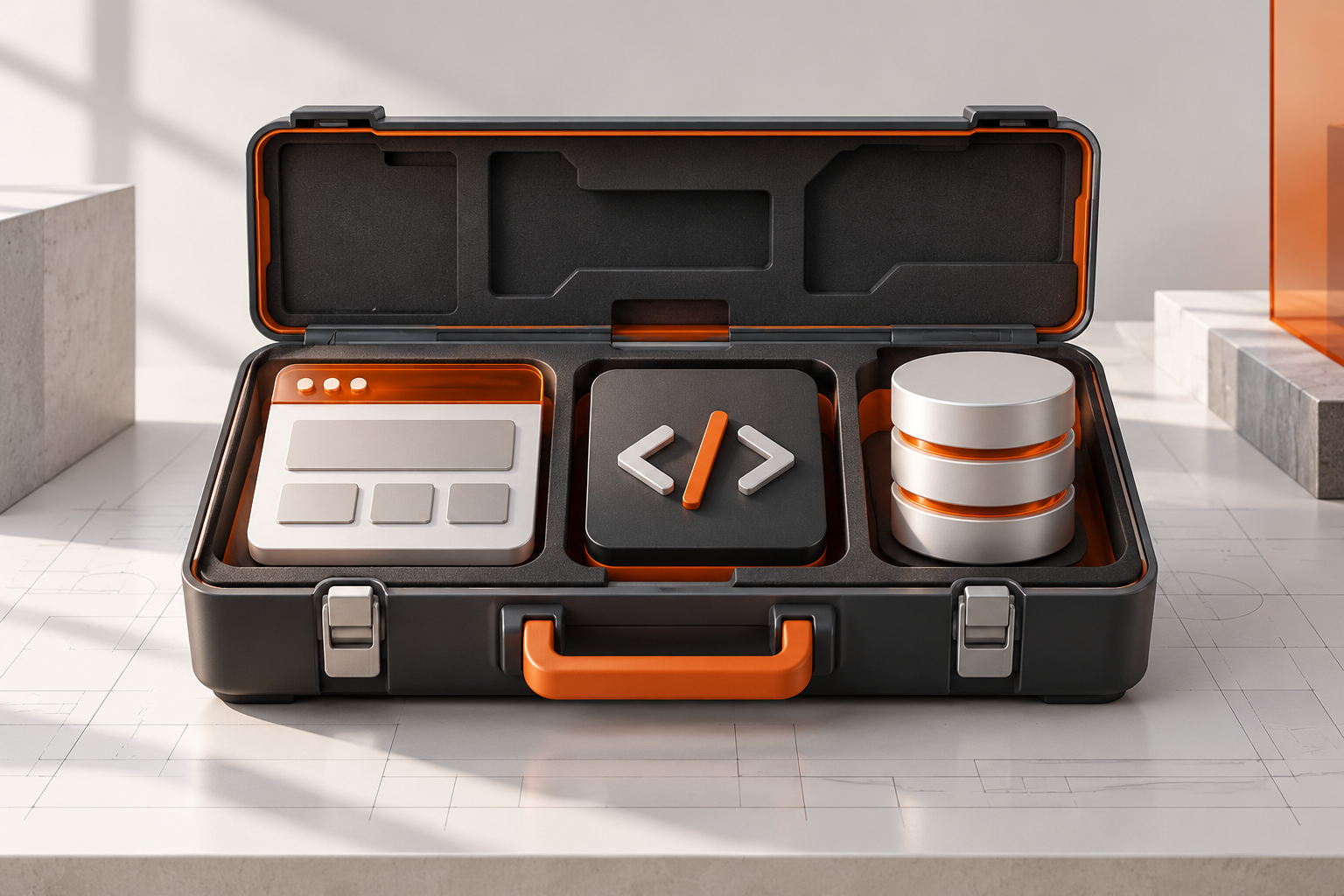
ODataCWP is a free PHP client for FileMaker OData 4.0. The client itself is a single file you include in your PHP project. It handles the requests between your code and FileMaker, whether you’re building a custom website or a small integration between systems.
Why we built another client
restCWP works with the FileMaker Data API. ODataCWP gives us a similar starting point when we’re working with OData instead. We wanted the setup to feel familiar without hiding the differences between the two APIs.
With OData, you’re working with tables and their primary keys. A primary key is the field that uniquely identifies a record, so your code can ask for that specific record later. You can choose which fields to return, filter the results, and sort them before they reach your application. OData also provides metadata: a description of the tables and fields available through the API.
If you already have a Data API integration working well, I wouldn’t change it just because we’ve released another client. The useful question is whether OData fits the data and operations your particular application needs.
Where we would use it
A custom site might need to show a few fields from FileMaker or update a record after someone submits a form. The backend is the code running on your web server that handles that work. ODataCWP gives the PHP side of that application a way to make the FileMaker requests.
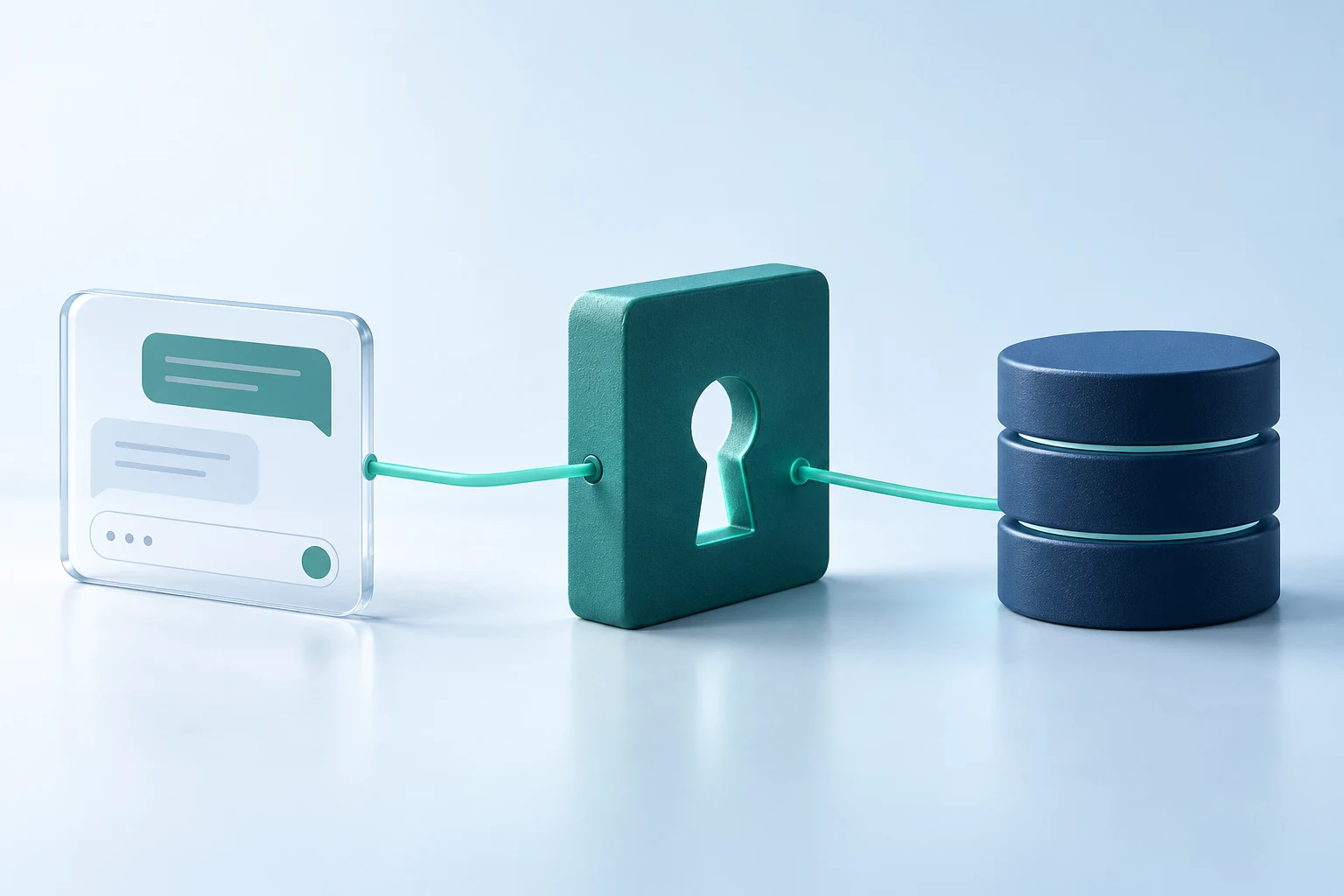
For a React front end, for example, ODataCWP would live in the PHP backend. The browser talks to that backend, and the backend talks to FileMaker. Your FileMaker credentials stay on the server.
The client also supports relationships and container operations. That includes working with related records and the files stored in FileMaker container fields. There’s a demo and a configuration editor in the package, along with documentation, so you have something concrete to look through while getting started.
What you need to get started
You’ll need PHP 8.1 or later and FileMaker Server with OData enabled. The FileMaker account needs the appropriate access, and each table you use through OData needs a primary key. The package README covers the required PHP extensions and setup details.
For a first try, I’d use a development database and read a few records. Check the result, narrow it down to the fields you need, and then build from there. It’s much easier to spot a setup problem in one small request than inside a finished form.
Free to use, with or without us
ODataCWP is available under the MIT License. We build FileMaker and web systems for clients, and these tools come out of that work. We’d like them to be useful to other developers too.
You can find ODataCWP alongside restCWP on our standalone FileMaker clients page. If you already use restCWP, the package should look familiar.
If you give it a try, I’d like to hear how it fits into your project and where the documentation could be clearer.